

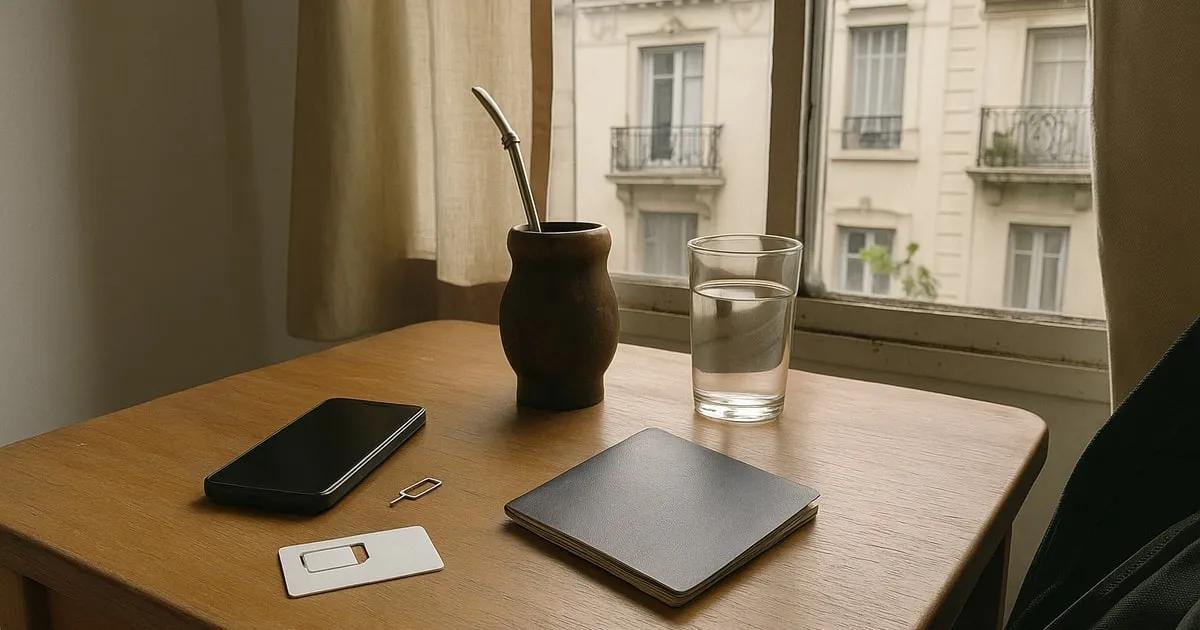
In Argentina, you buy a SIM card (locals call it a "chip") with your passport, no Argentine document needed. Personal has a stand at Ezeiza airport and activates your line on the spot; Claro sells a Chip Turista for around 15 USD, roughly €13 (about £11), with 25 GB for 30 days, as an eSIM or a physical SIM; Movistar sells its SIM in kioscos and activates it on WhatsApp. Whichever you pick, the line is registered in your name once, free of charge. And since your SUBE transport card is also registered with your passport, at a SUBE centre that includes one at Ezeiza, you can sort both as soon as you land: it is all covered in our guide to getting around Buenos Aires as a student.
1. A line in your name, with just your passport
In Argentina, every mobile line has to be registered to its holder, and for an international student your passport is all you need. The rule comes from ENACOM, the telecoms regulator, and it applies to new and existing lines alike.
In practice, registration happens once, when you buy your SIM, and it is free. There is no need for a DNI, the national ID card Argentines carry: you will be asked for your passport and, at Claro, the number of the line you are activating.
Words worth knowing
- Chip: the SIM card, the word you will hear everywhere instead of "SIM".
- Prepago: pay as you go, the option exchange students use, with no contract.
- Carga or recarga: the credit you add to your line.
- Kiosco: the small corner shop where you find SIM cards and top-ups.
- Celular: your mobile phone.
For an eSIM, you need a compatible phone.
Bring your passport on the day you buy your SIM: it is what registers your line, whether at the airport stand, at an official point of sale or through an online form.
2. The three operators side by side
Personal, Claro and Movistar all sell a pay-as-you-go SIM to foreigners; what changes is mostly where you buy it and how you activate it.
| Operator | Where to buy it | Activation | Worth knowing |
|---|---|---|---|
| Personal | Stand at Ezeiza airport, official points of sale | On the spot, with your passport | Card payment at the Ezeiza stand |
| Claro | Online (eSIM) or Claro customer centre (physical SIM) | eSIM fully online; physical SIM activated at the customer centre | Chip Turista: 25 GB for 30 days, around 15 USD (roughly €13, about £11) |
| Movistar | Kiosco or Movistar point of sale | On WhatsApp, with the message #NOMI | Top up at any kiosco |
None of them is better in absolute terms: it all comes down to where you want to deal with it, at the airport, from your phone or at the kiosco on your street corner.
3. Personal: your SIM straight from the airport
Personal runs a stand at Ezeiza airport: you buy the SIM there with your passport and the line is activated on the spot, so you can leave the airport already connected.
The stand is in the departures terminal, near check-in desk 40, so after an international flight you need to head over to the departures area. Payment there is usually by card, not cash, which is handy when you do not have a single peso in your pocket yet.
If you buy your Personal SIM elsewhere
A Personal SIM bought at a kiosco is not activated automatically: you then need to go to an official point of sale with your passport. Activation with the code *234# is reserved for holders of an Argentine DNI.
4. Claro: the Chip Turista, as an eSIM or a physical SIM
Claro sells a plan designed for travellers, the Chip Turista: around 15 USD, roughly €13 (about £11), for 25 GB valid for 30 days, with WhatsApp and social media not counted against your data.
The eSIM, activated online
If your phone takes an eSIM, Claro's tourist plan activates fully online, straight away. No counter, no queue: everything happens from your phone.
The physical SIM
For a physical SIM, you go to a Claro customer centre, where it is activated on the spot. And if you already have the SIM in hand, Claro has an online form for foreigners to activate it, with your passport and your line number.
With 25 GB over 30 days and WhatsApp outside your allowance, you have enough for maps, transport apps and messaging every day of your first month, while you find your bearings between Palermo, San Telmo and your university.
Browse the rooms and studios available for your semester in Buenos Aires, with clear prices and secure booking.
See rooms in Argentina5. Movistar: the kiosco SIM, activated on WhatsApp
At Movistar, the tourist SIM is sold at kioscos and Movistar points of sale, and activation happens on WhatsApp, without going to a counter.
- Buy the SIM at a kiosco or a Movistar point of sale.
- Send #NOMI to Movistar on WhatsApp.
- Share the details requested to register the line in your name.
- Choose your pack, and your line is ready.
Your number is printed on the SIM packaging. If you have lost it, text "NUM" to 321, free of charge. To keep track of your usage, the Mi Movistar app shows what you have left.
In Buenos Aires, the corner kiosco, where you can buy an alfajor as easily as a top-up, quickly becomes a landmark of your neighbourhood. It is where the practical side of your Movistar line plays out.
6. Top-ups and staying connected day to day
Day to day, a pay-as-you-go line tops up and tracks itself without any paperwork: at Movistar, any kiosco can top up your line from your number, and the operator's app shows your usage.
Keep a few peso notes on you: efectivo, cash, is still essential in small shops, at the ferias and at milongas, even though MercadoPago, the QR payment app, is everywhere in Buenos Aires.
The apps that matter
To get around, Cómo Llego, the city's official app, and Moovit plan your journeys by Subte and colectivo. WhatsApp handles the rest: the flatshare group, the university group, the weekend plans.
In Argentina, prices are adjusted very often, sometimes every month. That is why the plans in this article are given in dollars: check the peso price when you buy.
7. Your first day in Buenos Aires, SIM sorted
With a SIM and a SUBE card, both registered with your passport, you have what you need to get around Buenos Aires from day one.
At Ezeiza, you can register your SUBE at the airport centre, so you pay the standard fare instead of the higher unregistered one, and leave with your Personal line already active. If you prefer Claro or Movistar, the online eSIM or your local kiosco will do the job over the following days.
As for housing, the heavy lifting is done before you leave. With Flatmaters, you book your room online, straight from the listing, and pay by international bank transfer from a European account; as soon as the booking is confirmed, the landlord signs the contract electronically. You land with your address and a signed contract: all that is left is to pop your new SIM into your phone and type the address into your map app. The process is explained in how it works, and our team introduces itself on the about page.
To plan your budget, our article on the cost of living in Buenos Aires breaks down a typical month item by item, and the one on student life in Buenos Aires gives you a taste of what lies ahead: milongas, the San Telmo feria on Sundays and dinners that start around 10 pm.
8. Frequently asked questions
Can you buy a SIM card at Ezeiza airport?
Yes, from Personal. The stand is in the departures terminal, near check-in desk 40. You buy the SIM with your passport, the line is activated on the spot, and payment is usually by card.
Do you need an Argentine DNI to get a line?
No. Every line has to be registered to its holder, and for a foreigner the passport is enough. Registration happens once, when you buy the SIM, and it is free. Only Personal's activation code *234# is reserved for DNI holders.
How much does Claro's Chip Turista cost?
Around 15 USD, roughly €13 (about £11), for 25 GB valid for 30 days, with WhatsApp and social media not counted against your data. The peso price changes often: check it when you buy.
Can you get an eSIM in Argentina?
Yes, with Claro: the tourist plan comes as an eSIM and activates fully online, straight away, if your phone is compatible. With Claro it is confirmed. With Personal and Movistar, activation works as described above: on the spot with your passport at Personal, on WhatsApp at Movistar after buying the SIM.
How do you top up a Movistar line?
At any kiosco, by giving your line number. It is printed on the SIM packaging, and you can find it by texting "NUM" to 321, free of charge. The Mi Movistar app then shows your usage.